

API Routes Admin UI
The API routes section of the Code tab on the Loopress admin page lists every custom REST API route currently deployed on the site, whichever file was last pushed with lps api push.
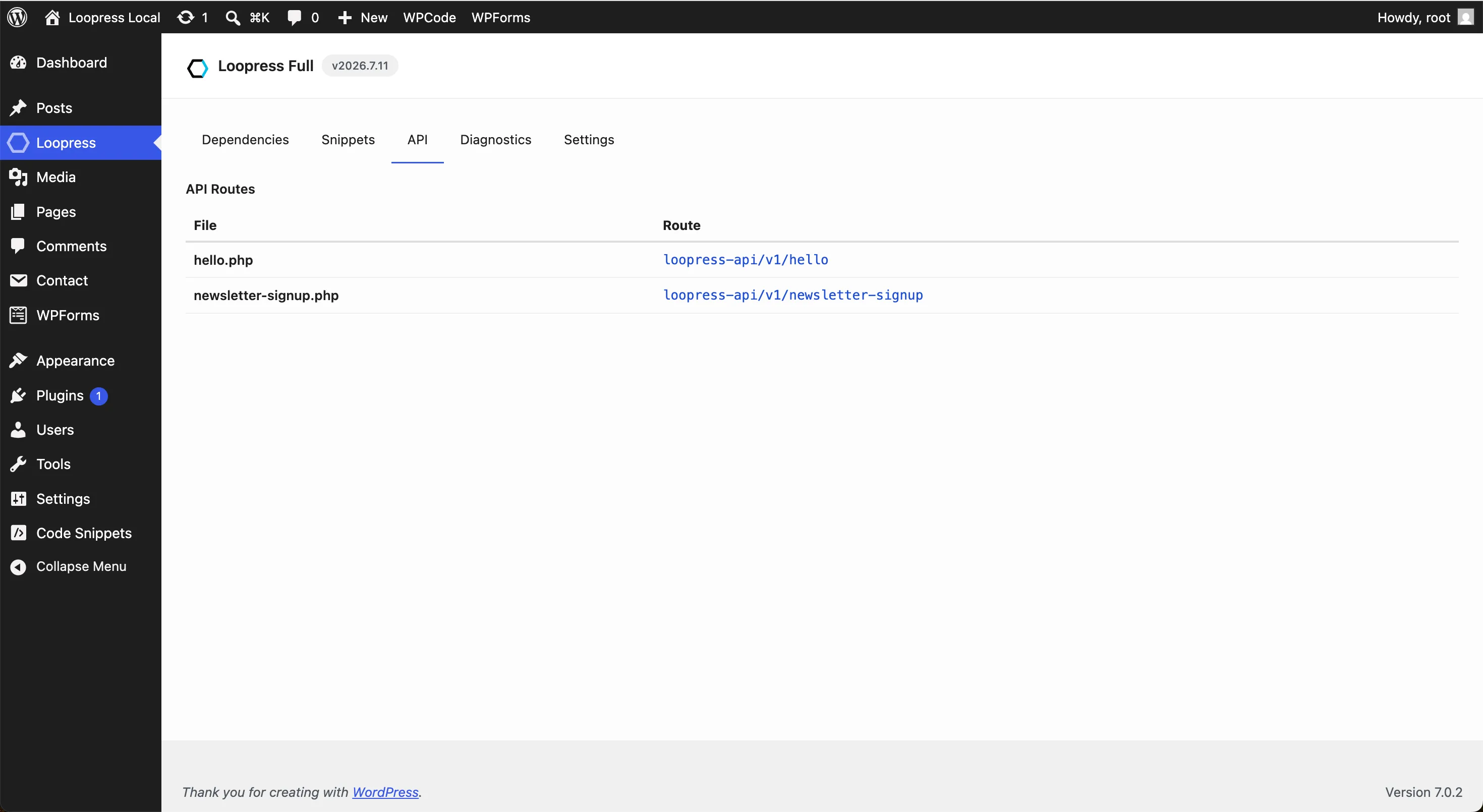
What it shows
Section titled “What it shows”For each uploaded route file:
| Column | Description |
|---|---|
| File | The filename on disk, {slug}.php |
| Route | The live endpoint path under the loopress-api/v1 namespace, with a Copy URL button for the full URL |
View source under a filename expands the file as it was pushed. A route declaring #[Permission(public: true)] shows a red Public badge: it runs for anyone, with no authentication.
A file that failed to load at the site’s last boot (wrong number of classes, a class name collision, a parse error, see Failure isolation) shows a “Failed to load” badge next to its filename, with the actual reason underneath. The warning clears itself automatically the next time the file loads cleanly, nothing to dismiss.
The section is read-only, like the hooks and single-page apps listed below it on the same tab: it reflects what’s deployed, it doesn’t let you create, edit, or remove routes from the admin. Manage route files locally with the CLI and deploy with lps api push, see CLI for the command reference and Writing Route Files for the file format.
Route namespace
Section titled “Route namespace”The namespace setting, on the Settings tab and behind the gear in the API routes card header, holds the namespace your routes register under, loopress-api/v1 by default. It accepts lowercase letters, digits, and hyphens followed by a version segment (e.g. acme/v1); loopress/v1 is rejected because it’s reserved for Loopress’s own management endpoints. Changing it changes every route’s URL immediately, with no redirect from the old one, see the namespace rules.
The field reads and writes loopress/v1/api-namespace:
GET /wp-json/loopress/v1/api-namespace{ "namespace": "loopress-api/v1" }
PUT /wp-json/loopress/v1/api-namespace{ "namespace": "acme/v1" }
REST API
Section titled “REST API”The section reads from GET /wp-json/loopress/v1/api-files, the same management endpoint lps api pull/push/list use:
[ { "filename": "hello-world", "content": "<?php\n\ndeclare(strict_types=1);\n\nclass HelloWorld\n{\n public function get(): array\n {\n return ['message' => 'Hello, world!'];\n }\n}\n" }, { "filename": "broken", "content": "<?php\n\ndeclare(strict_types=1);\n\nfunction not_a_class(): void {}\n", "error": "expected exactly one class declaration, found none" }]error is only present for a file that failed to load at the last boot, absent otherwise.
This is distinct from the routes a deployed file itself exposes, which are registered under loopress-api/v1 instead, to avoid a namespace collision with this management endpoint.